
Zip Extractor Pro - Free is a versatile file management tool designed to simplify the handling of compressed files. Developed by CoolLeGet Inc., this free application offers a robust suite of features exceeding basic extraction capabilities, providing users with a streamlined and efficient experience for managing various archive formats. This review delves into its functionality, user interface, supported formats, security features, and overall user experience.
Feature-Rich File Management Beyond Extraction
Zip Extractor Pro - Free distinguishes itself from simpler archive utilities through its extensive feature set. While its core function is the extraction of compressed files, it extends its capabilities to encompass archive creation, format conversion, and enhanced security options. This makes it a valuable tool not just for opening existing archives but also for creating new ones with specific requirements.
The application’s compatibility is a significant advantage. It supports over 200 file types, including popular formats such as ZIP, RAR, 7Z, ISO, CAB, and many others. This broad range ensures users can readily manage a wide variety of compressed files, eliminating the need for multiple specialized tools. This compatibility is a key factor in its appeal, ensuring that users won’t encounter issues with opening unusual or less common archive formats. The comprehensive support minimizes the chances of encountering an unsupported file, contributing to a smoother and more efficient workflow.
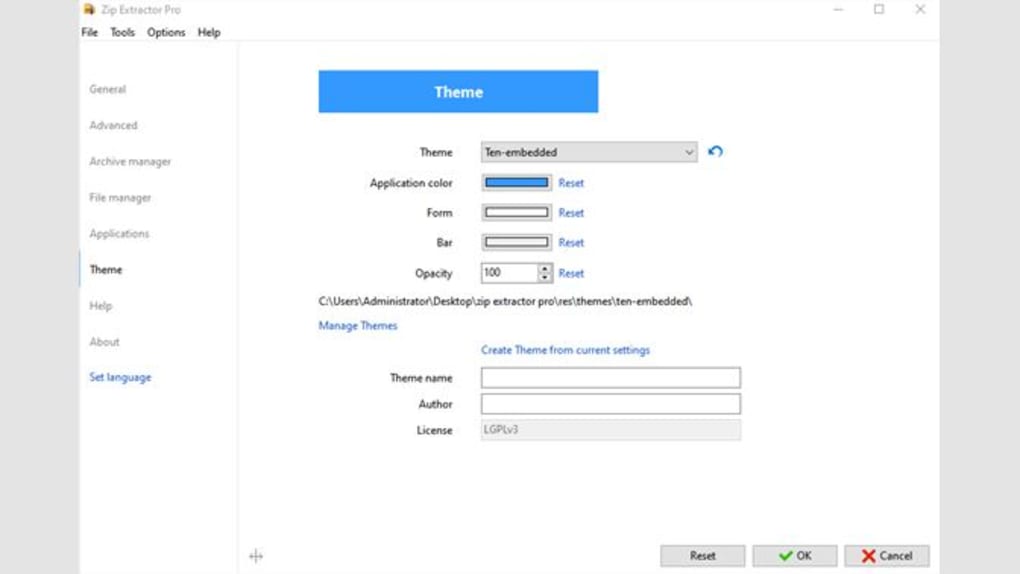
Beyond extraction, Zip Extractor Pro - Free allows users to create new archives with ease. The intuitive interface, designed to resemble a familiar file explorer, guides users through the process, making the creation of compressed files a straightforward task. This user-friendly approach is particularly beneficial for users less familiar with advanced archive management techniques. This ease of use extends to more complex functions, ensuring that the process is accessible to both novice and expert users.
Furthermore, the software incorporates robust security features. Users can create password-protected archives, safeguarding sensitive data from unauthorized access. This critical security feature ensures the confidentiality of files contained within the archives, which is essential for handling sensitive information. This capability is not merely a convenience but a critical element in data security, catering to the need for privacy and data protection in today’s digital landscape.
User Interface and Experience: Intuitive Design for Seamless Operation
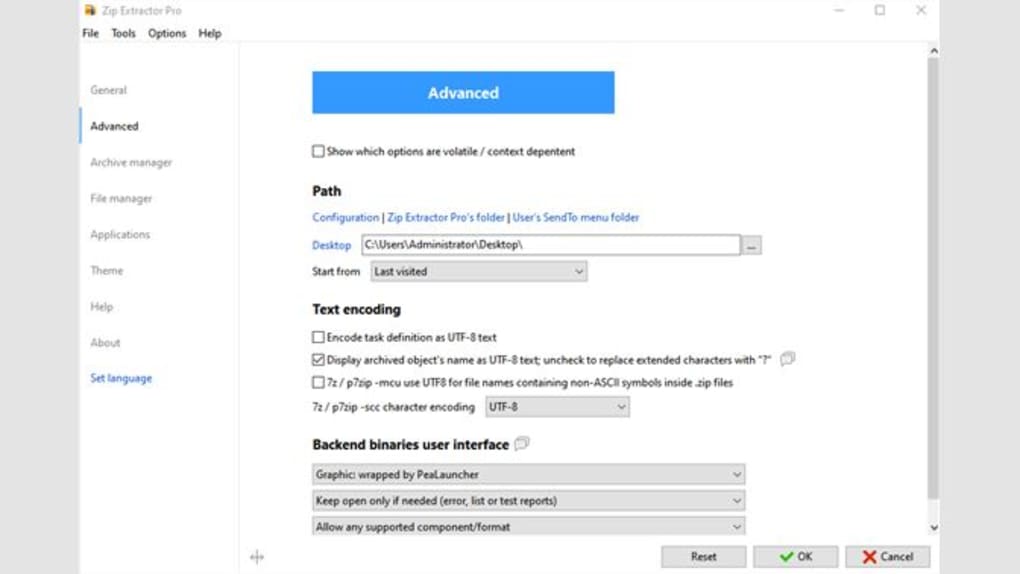
Zip Extractor Pro - Free boasts an intuitive and user-friendly interface designed to simplify the overall user experience. The application’s graphical user interface (GUI) is clean and uncluttered, making it easy to navigate and locate the desired functions. Its similarity to a standard file explorer allows for a quick learning curve, eliminating the need for extensive tutorials or guides. This familiarity makes the application immediately accessible, regardless of the user’s technical expertise.
The layout is logically organized, placing commonly used functions within easy reach. Users can quickly access options for creating, extracting, and managing archives. The overall design promotes efficiency, minimizing the time spent searching for specific functions. This streamlined design contributes to a significant improvement in user productivity.
The software’s responsive design adapts seamlessly to different screen sizes and resolutions, maintaining its usability across various devices. This ensures a consistent user experience regardless of the platform being used. This adaptability is particularly beneficial in today’s multi-device landscape, where users might access the application from desktops, laptops, or tablets.
RAR to ZIP Conversion: Enhancing Compatibility and Workflow
One of Zip Extractor Pro - Free’s standout features is its ability to convert RAR files to the more widely compatible ZIP format. This functionality significantly enhances interoperability, eliminating compatibility issues that might arise when sharing files with users who may not have RAR support. This simple yet crucial feature simplifies file sharing and collaboration significantly. The conversion process is seamless and efficiently executed, adding to the overall utility of the application.
Security and Privacy: Protecting Sensitive Data
Data security and privacy are paramount concerns in today’s digital world. Zip Extractor Pro - Free addresses these concerns by offering robust security measures. The ability to create password-protected archives is a critical security feature that protects sensitive data from unauthorized access. The strength of the password protection ensures that only authorized individuals can access the contents of the archives. This is a significant advantage for users handling confidential information.
While the application itself is free, it’s important to note that the security of your data ultimately depends on the strength of the chosen password. Users are advised to select strong, unique passwords to maximize the protection of their files. The application provides the tools for secure archive management, but the responsibility for password security rests with the user.

Alternatives and Comparisons
Several alternative file management tools exist, each with its own strengths and weaknesses. Direct comparison depends on specific user needs and priorities. Some alternatives may focus on specific file formats, while others may prioritize features beyond basic compression and extraction. The choice of the most appropriate tool ultimately depends on individual requirements. However, Zip Extractor Pro - Free’s broad format support, user-friendly interface, and RAR-to-ZIP conversion feature set it apart from many competitors, providing a compelling option for many users.
Conclusion: A Powerful and Versatile Free File Manager
Zip Extractor Pro - Free stands out as a powerful and versatile file management solution, offering a comprehensive feature set exceeding the capabilities of many other free archive utilities. Its broad format support, intuitive interface, seamless RAR-to-ZIP conversion, and robust security features make it a valuable asset for users seeking efficient and secure management of compressed files. While alternatives exist, Zip Extractor Pro - Free’s combination of functionality and ease of use make it a strong contender for anyone seeking a reliable, free, and user-friendly archive manager. Its straightforward design and robust capabilities position it as a highly effective tool for both casual and experienced users. The application’s free nature further enhances its appeal, making it an accessible solution for a wide range of users. Therefore, Zip Extractor Pro - Free receives a strong recommendation for its blend of functionality, user-friendliness, and accessibility.
File Information
- License: “Free”
- Version: “2.0.10.0”
- Latest update: “February 6, 2024”
- Platform: “Windows”
- OS: “Windows 11”
- Language: “English”
- Downloads: “6.1K”


